Pin + annotate + at ya
Pinata
Feedback pinned to the exact pixel, sent in one link
Drop in a public page address and Pinata captures it — then pin plain, directional notes to the exact pixel and share one link with the founder. No source edits, no crawling, no runtime AI.

Watch a review
One page, start to finish
How it works
A two-minute comment should take two minutes
Capture the page
Every address you list is captured on desktop and mobile as a full static page, with a small map of what is where.
Pin it where it happens
Drop a pin, draw a box or a circle, or point an arrow, and say what you mean in a line. Each mark stays on its pixel at any zoom.
Send one link
The founder opens it without an account, reads each note in place, and replies. You see the reply without reloading.



What the founder sees
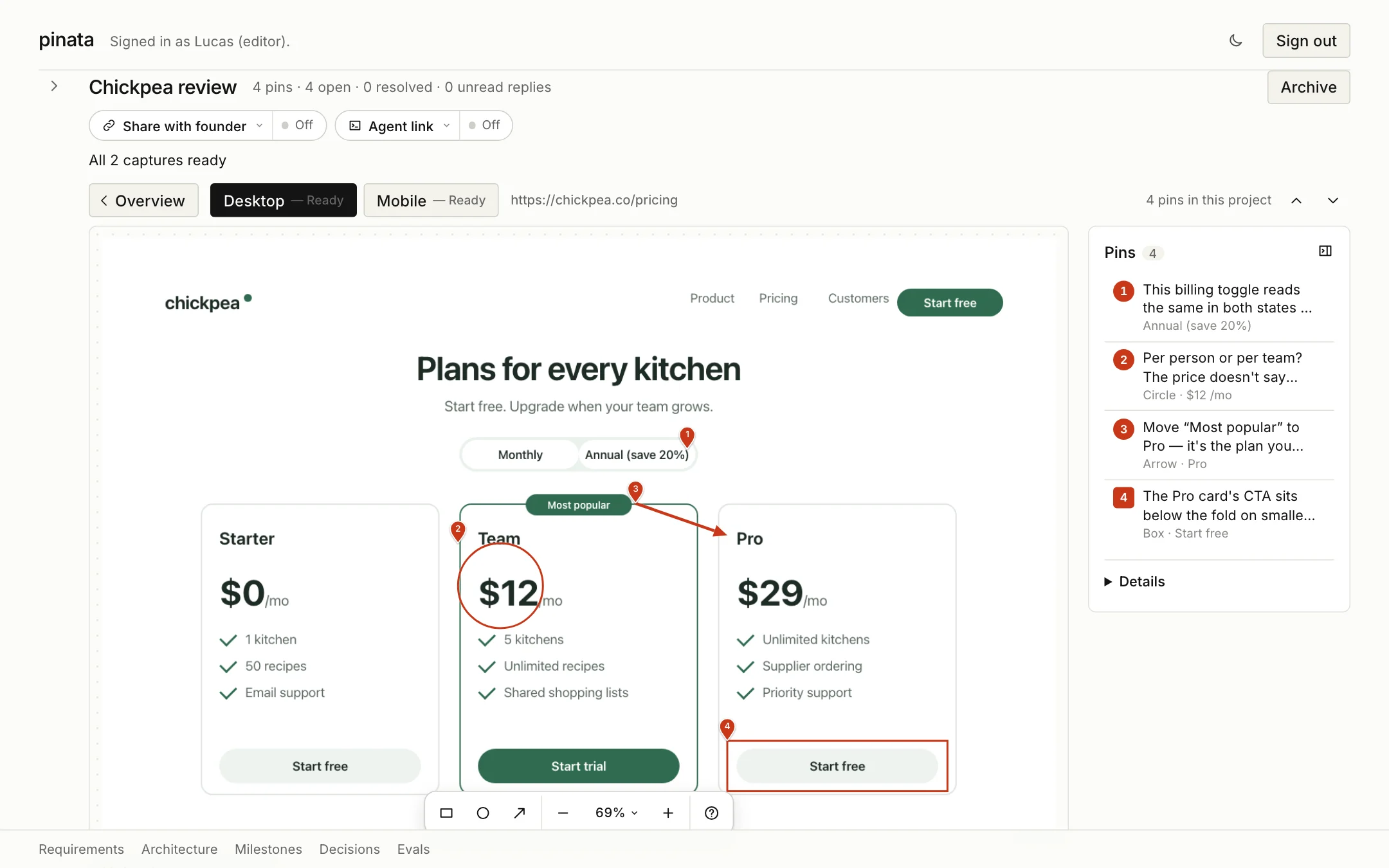
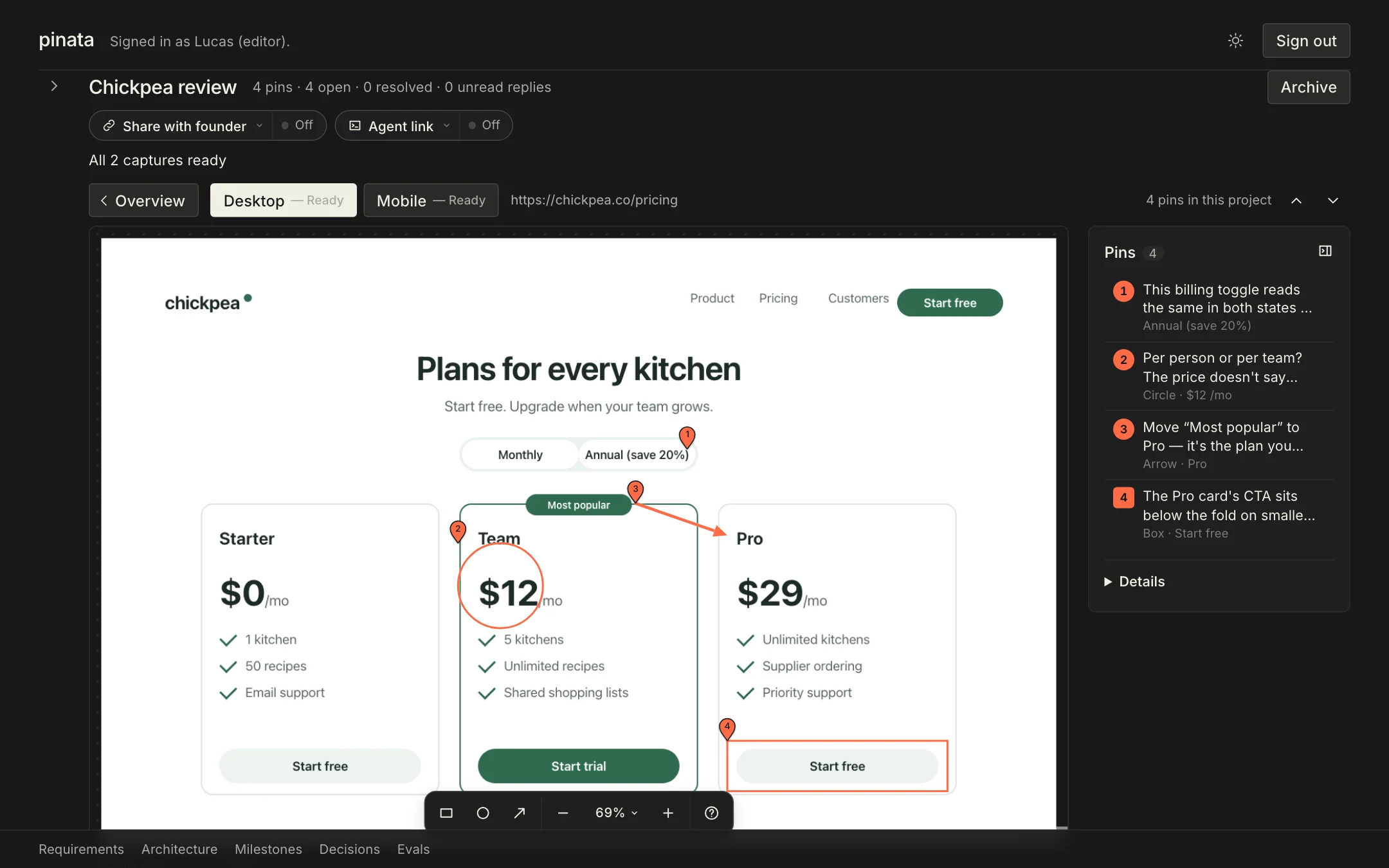
A marked-up capture, notes pinned where they belong
A real conversation, right beside the exact thing it’s about. Here’s an example.
Pin 1 · “This billing toggle reads the same in both states — which o…” · Annual (save 20%)
Comment thread
This billing toggle reads the same in both states — which one is active?
Good catch — monthly is the default. We'll add a pressed state this sprint.
Explore the details behind each pin
All pins in this example
| Page | Device | Pin | Comment | Status | Position | Element |
|---|---|---|---|---|---|---|
| https://chickpea.co/pricing | Desktop v2 | This billing toggle reads the same in both states — which one is active? | Replied | 884, 318 | <button> role=switch “Annual (save 20%)”main > section.pricing > div.billing-toggle | |
| https://chickpea.co/pricing | Desktop v2 | Per person or per team? The price doesn't say which. | Open | 602, 524 · 128 wide | <p> role=paragraph “$12/mo”main > section.pricing > article.plan-team > p.price | |
| https://chickpea.co/pricing | Desktop v2 | Move “Most popular” to Pro — it's the plan you want picked. | Open | 806, 400 → 944, 448 | <h3> role=heading “Pro”main > section.pricing > article.plan-pro > h3 | |
| https://chickpea.co/pricing | Desktop v2 | The Pro card's CTA sits below the fold on smaller laptops — worth lifting. | Replied | 944, 758 · 332 × 76 | <a> role=link “Start free”main > section.pricing > article.plan-pro > a.cta |
Your next good idea starts here
Got notes?
Let’s pin them.
Give your feedback a place to land.

Editors sign in with the one password. Founders open the private link they were sent.